

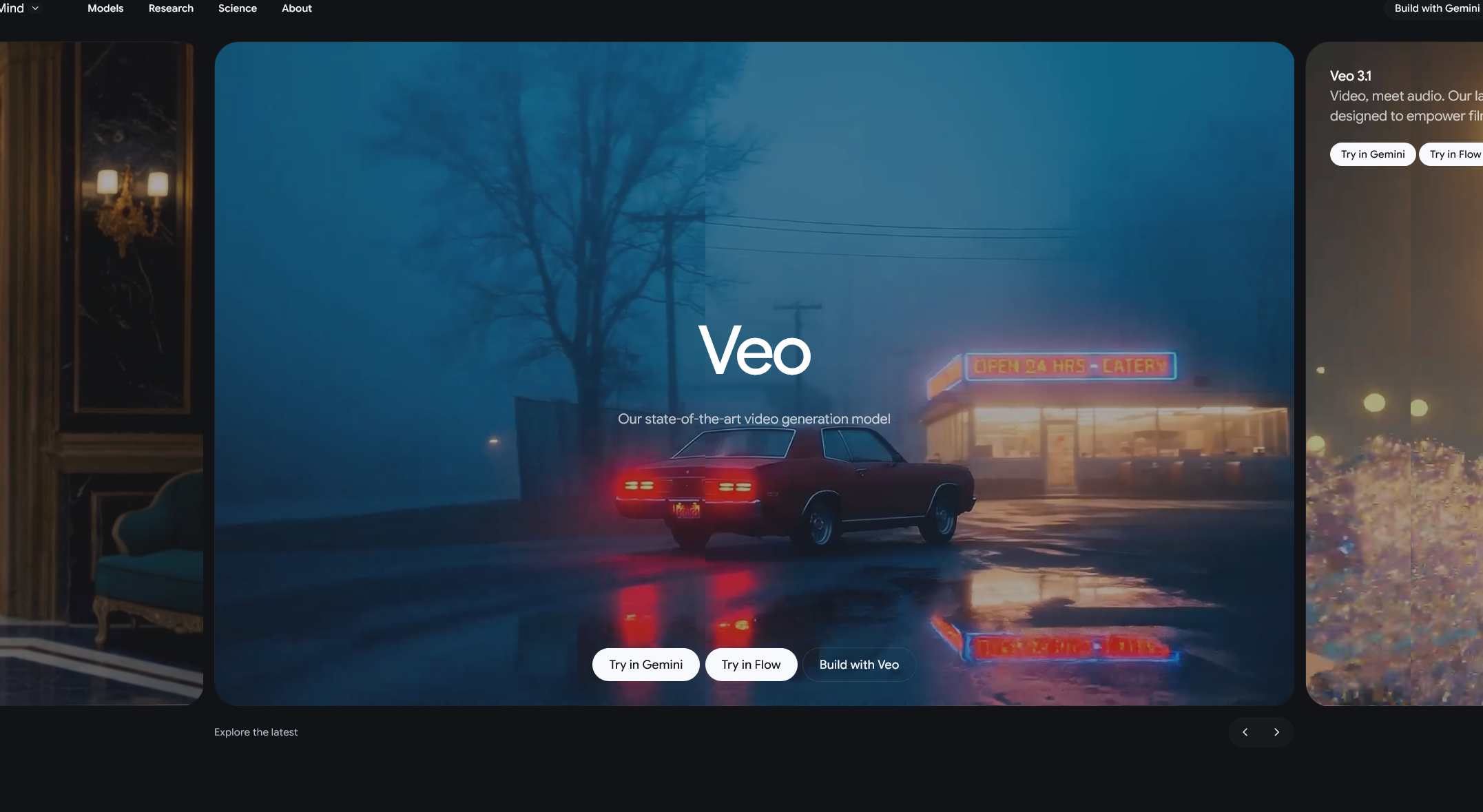
Google’s latest AI video model, Veo 3.1, is a major update to its text-to-video tool. Announced in January 2026, Veo 3.1 is the next step in Google’s efforts to make AI video generation more powerful and user-friendly. Built by Google DeepMind, Veo 3.1 can take written prompts (and optional images) and output fully rendered short videos with synchronized audio. In practice, that means you can describe a scene in words (for example, “A sandy desert landscape at sunset with a lone explorer”), and Veo 3.1 will generate an 8-second high-quality clip realizing that vision. Google touts Veo 3.1 as its state-of-the-art video generator – “designed to empower filmmakers and storytellers” with creative video-making tools.
Veo 3.1 builds on the original Veo series (Veo 3 launched earlier) by adding several key new features and technical improvements. According to Google’s announcement and independent reports, the big updates include:
- Reference-image (Ingredients-to-Video) support: You can now upload up to three reference images along with your text. These “ingredient” images (e.g. a character portrait, an object, a background photo) guide the AI, so the generated video will more accurately incorporate those elements. Google says the improved Ingredients to Video mode makes videos “more expressive and creative, even with simple prompts,” enabling richer dialogue, storytelling and scene continuity.
- Native vertical video (9:16) output: Veo 3.1 can produce portrait‐format clips without cropping, which is ideal for social platforms like TikTok and YouTube Shorts. Creators can directly specify a 9:16 aspect ratio, saving steps like manual editing. (Previously Veo only generated widescreen; now it offers true mobile-first vertical video.)
- 4K upscaling: The model now includes built-in upscaling for 1080p and 4K output. While the raw generated video is up to Full HD (1080p) by default, Veo 3.1 can intelligently upscale clips to 4K resolution. This means sharper, broadcast-quality visuals are possible – for example, 1080p footage is refined for clarity, and a new 4K mode “captures rich textures and stunning detail” for high-end projects.
- Improved consistency: A long-time challenge for AI video has been keeping characters and scenes consistent across shots. Veo 3.1 makes progress here. It “now keep[s] characters looking the same across multiple scenes” and can reuse backgrounds or objects smoothly. In other words, an AI-generated character will maintain the same appearance even as the story moves locations, and set pieces stay coherent. CineD and Google’s own blog note that this identity- and scene-consistency is much better in 3.1 than before.
- Advanced controls (developer API features): For programmers using the Gemini API or Google Cloud, Veo 3.1 adds new control handles. The model supports video extension (lengthening or continuing an existing clip) and frame-specific generation (you can specify the first and/or last frame of the video). These options, along with the multi-image guidance mentioned above, give creators finer-grained control over how a scene unfolds. In summary, Veo 3.1 offers portrait mode, the ability to extend clips or lock frames, and up to three reference images – all aimed at letting users “bring [their] vision to life” with AI.
These upgrades make Veo 3.1 a more robust text-to-video tool than its predecessors. Google demo videos show Veo 3.1 “generating all audio natively” – adding soundtracks, effects and even dialogue that match the scene. The developer documentation highlights that Veo 3.1 can create high-fidelity, 8-second 720p, 1080p or 4K videos with “stunning realism and natively generated audio”. In short, the system now excels at a wide range of cinematic styles, from cartoonish animation to photorealistic scenes. It even simulates realistic physics (water flow, lighting, etc.) to make motion look believable. Together, the improvements mean Veo 3.1 can handle more complex, visually rich prompts than before, and output videos that feel more polished and professional.
How Creators Are Using Veo 3.1
Even as Veo 3.1 launches, filmmakers and content creators are already experimenting with its capabilities. Google says these updates give artists “tools to bring your vision to life”. For example, one early user project is an AI-generated mini-film created entirely in Veo 3.1. The creator provided a sequence of textual prompts and some reference pictures (e.g. concept art for characters and settings), and Veo 3.1 returned an 8-second narrative clip. In this short scene, characters speak and act in an alien cityscape – all rendered by the AI with synced sound. (The exact story is fictional, but it highlights Veo 3.1’s power: a full storyboarding step was done in seconds.)
Other creators are applying Veo 3.1 in quick-turnaround scenarios like marketing pitches, music videos, and educational content. Because it can now generate portrait videos and 4K output, social-media influencers use it to prototype TikTok-style clips without manual editing. Indie game developers have used it to create concept trailers by feeding game art into the Ingredients-to-Video model. As tech blogs note, Veo 3.1’s focus on consistency and control means it is “making generated videos more expressive and creative”. For example, one hobbyist used Veo 3.1 to produce a fantastical short – imagining a scene with floating islands and mystic creatures – demonstrating the tool’s potential for ambitious ideas. In short, from casual storytellers to professional filmmakers, early adopters find Veo 3.1 lets them iterate faster: they can literally type a story and get a rendered scene back, often within minutes
Google Veo 3.1 is Google DeepMind’s newest text-to-video AI model. It’s a cloud-based video generation tool that takes text prompts (and optional input images) and produces short, high-quality video clips with audio.
Veo is not a free standalone app; it’s part of Google’s AI service offerings. Some basic Veo features may be available to Google account holders, but the full Veo 3.1 functionality typically requires a Google AI subscription (Pro/Ultra) or enterprise access.
Veo 3.1 is accessed through Google’s AI platforms. On the consumer side, open the Gemini AI app (or website), tap the video creation mode, and enter your prompt. The Gemini mobile app now includes a “Video” button where you input text and optional images, and it will generate the clip.



0 Comments