

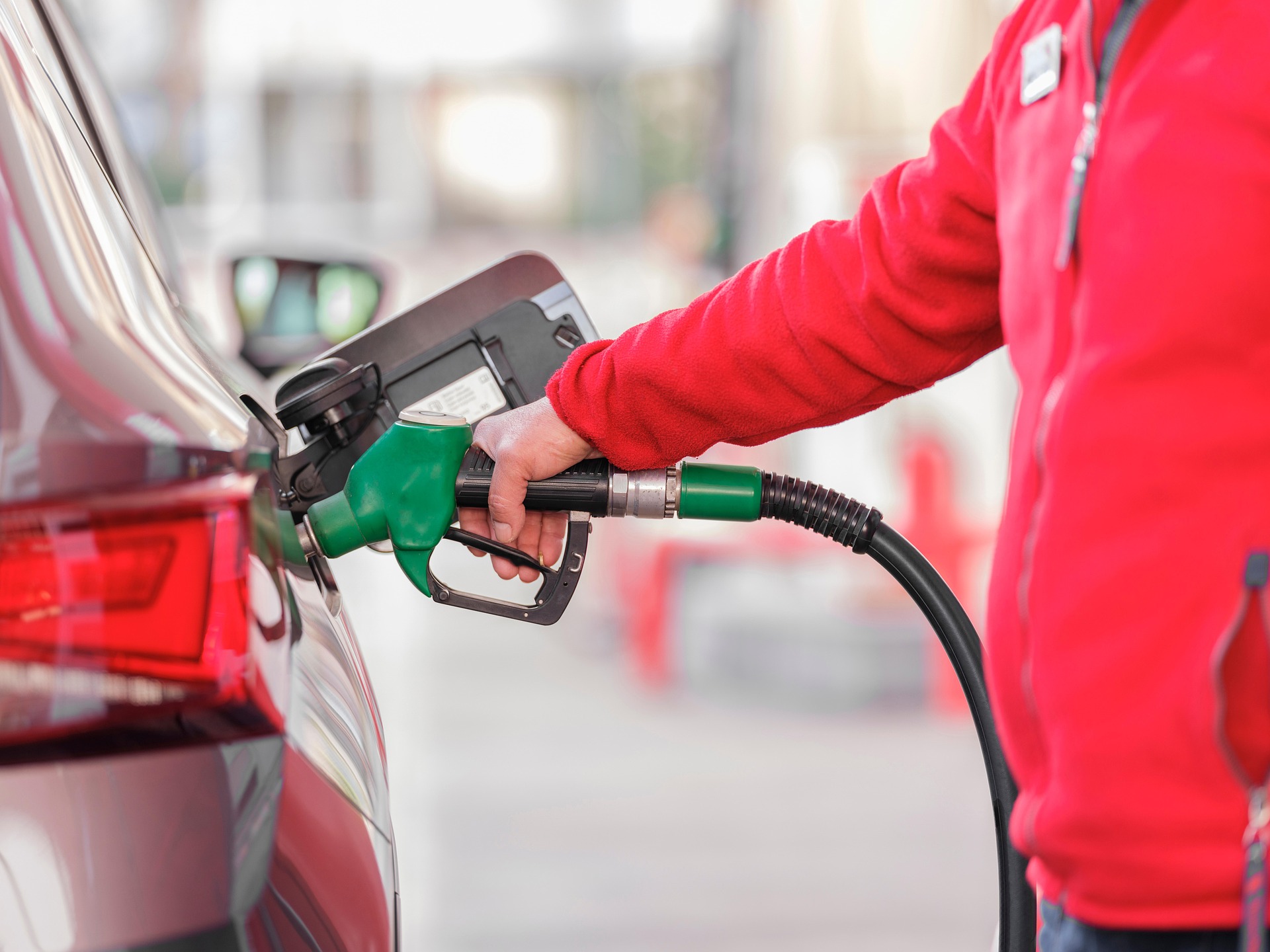
In today’s world of rising fuel costs, every dollar saved at the pump matters. Whether you drive daily to work or plan a road trip, finding the cheapest gas station near me can result in serious savings over time. Luckily, with Google Maps, locating the lowest gas prices near me has never been easier.
In this guide, you’ll learn step-by-step how to use Google Maps to compare gas prices and always find the best deal.
🚗 Why Search for the Cheapest Gas Near Me?
Fuel prices vary greatly depending on the location, brand, and even time of day. Searching for the cheapest gas near me can help you:
- Reduce monthly transportation costs
- Avoid overpriced stations in tourist or highway areas
- Plan cost-effective routes on longer trips
With just a few taps, you can discover cheap gas stations near you – no extra apps required.
📍 Step-by-Step: How to Use Google Maps to Find Cheap Gas Nearby
1. Open Google Maps
Launch the Google Maps app on your phone or go to maps.google.com in your browser.
2. Search: “Cheapest gas place near me”
In the search bar, type any of the following high-intent queries:
- “cheapest gas place near me”
- “gas prices near me”
- “lowest gas prices nearby”
- “cheap gas near me now”
Google will use your location to show nearby gas stations on the map.
3. Compare Gas Prices
For many stations, Google Maps displays real-time gas prices directly in the listing, including:
- Price per gallon for Regular, Midgrade, Premium, and Diesel
- Station brand (e.g., Shell, Chevron, Costco)
- Last updated time (e.g., “Updated 3 hours ago”)
If prices are not shown, click on each station’s name to check its details — prices might appear there.
4. Use Filters to Choose the Best Option
You can filter and sort gas stations based on:
- Distance from your current location
- Star ratings and user reviews
- Price (if visible)
Tip: Look for stations like Costco or independent pumps — they often offer the cheapest gas prices in the area.
5. Navigate to the Station
Once you select the best deal, tap “Directions” to start turn-by-turn navigation to the cheapest gas place near you.
🧭 Use Voice Commands
If you’re driving, just say:
“Hey Google, find the cheapest gas near me.”
Google Assistant will search Google Maps for you and display nearby stations.
⚙️ Pro Tips to Find the Lowest Gas Prices Near Me
- Update Google Maps regularly to get the latest station data
- Enable location services for more accurate results
- Try searching at off-peak times (early morning or late night) when prices are sometimes lower
- Compare before you fill up – stations just a mile apart can differ by 20¢ or more per gallon
🔁 Alternative Tools for Finding Cheap Gas
While Google Maps is fast and convenient, you can also try:
- GasBuddy – community-powered gas price tracker
- Waze – shows real-time gas prices reported by other drivers
- Fuelio – useful for logging and tracking fuel costs over time
Still, Google Maps is the easiest and most accessible tool since most users already have it installed.
📌 Summary: Save Money Every Time You Fuel Up
By simply using Google Maps and searching “cheapest gas place near me,” you can:
- Find the lowest gas prices near your location
- Avoid overpriced stations
- Navigate directly to cheap gas without wasting time
Next time your tank is low, use Google Maps smartly — your wallet will thank you.


0 Comments