

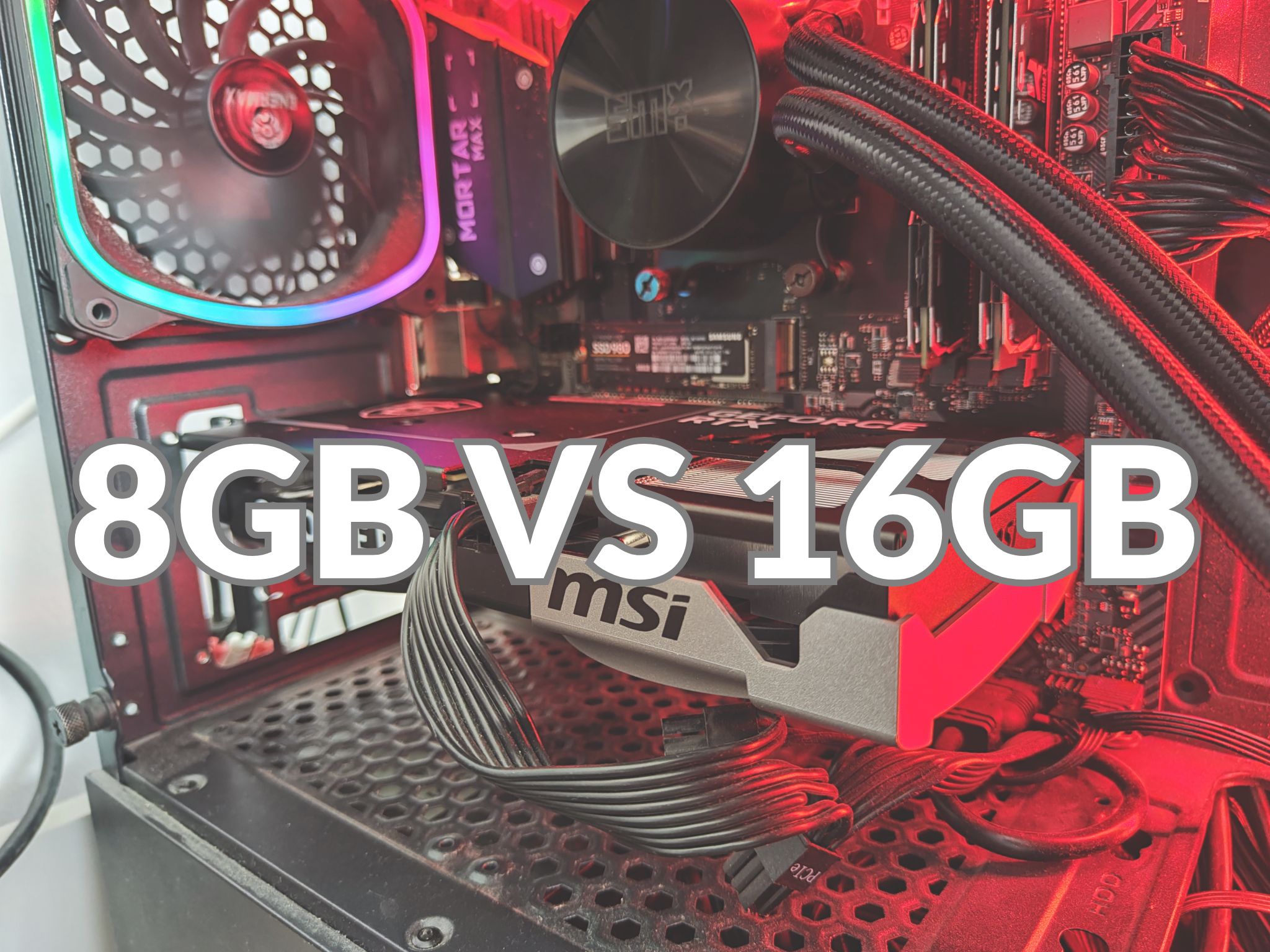
The big question for gamers today: can an 8GB graphics card keep up in 2026, or do you need the latest 16GB cards like the RTX 5060 Ti? Modern AAA games and ray tracing are gobbling up memory. Tests show that once textures and effects push past 8GB, frame rates crash unless you dial settings back. While 8GB GPUs can still run most games at 1080p, high settings and future games demand more. We compare 8GB cards to Nvidia’s new RTX 5060 Ti (with 16GB GDDR7) to see which is truly future-proof. To understand how this jump in capacity and speed affects performance, it is worth looking at the technical shift in GDDR6 vs GDDR7: a detailed comparison of modern graphics memory, which explains why 16GB is becoming the new standard.
Why VRAM Matters: Modern Gaming Needs More Memory
VRAM is your GPU’s dedicated video memory for textures, frame buffers, and frame generation. As games hit higher resolutions (1440p/4K) and use ultra-detailed textures or ray tracing, they need more VRAM. In 2024–25, developers have cranked up texture quality and ray tracing, so “the once-common 8GB VRAM… is now reaching its limits”. In practice:
- 1080p eSports & older games: 8GB cards usually handle these fine at high settings.
- 1440p or 4K gaming: 8GB often fills up. You must lower textures or turn off ray tracing to avoid stutters.
- Ray Tracing & AI features: Modern titles with RT (like Cyberpunk 2077 or Jedi: Survivor) can exceed 8GB easily. For example, on a Radeon 9060 XT 8GB, Cyberpunk textures pushed past 8GB, dropping FPS from ~60 to ~20 until settings were reduced. Jedi: Survivor actually culls textures on an 8GB card to stay under the limit, resulting in poor visuals.
Experts now say 12–16GB VRAM is the new standard for high-detail gaming. Nvidia even notes next-gen GPUs will still “demand a heap of VRAM for… high-resolution” play. In short, 8GB works today in many cases, but tomorrow’s games and Ultra/RT settings will stretch it beyond safe limits.
RTX 5060 Ti 16GB: The New Benchmark GPU
For 2026, Nvidia’s RTX 5060 Ti (Blackwell architecture) is a major VRAM upgrade. It sports 16GB of blazing-fast GDDR7 memory (28 Gbps) and 4608 CUDA cores – a step up from prior 8GB midrange cards. This means it can load bigger textures and keep ray tracing on without slowing down. In practice, a 16GB card like the 5060 Ti can hold everything in VRAM at 1440p, maintaining smooth FPS and preventing the severe frame drops seen on 8GB cards. Detailed benchmarks and real-world performance results can be found in our GeForce RTX 5060 Ti 16 GB MSI Ventus 2X OC Plus Test and Review, which shows how this specific model handles the most demanding titles of 2026.
Compare this to a typical 8GB midrange GPU: for instance, the RTX 4060 Ti 8GB (Ada Lovelace) has 4352 cores and 8GB GDDR6 @18Gbps. It runs many games well at 1080p, but as tests show, it can’t sustain Ultra textures or RT in newer titles without hitting the VRAM ceiling. The 5060 Ti’s extra memory and new architecture give it headroom – it “includes 8 GB more video memory” than its 8GB counterpart, which is the key distinction.
| GPU Model | VRAM | Architecture | CUDA Cores | Memory Type & Speed | Typical Use-Case (Target Settings) |
|---|---|---|---|---|---|
| RTX 4060 (Ada) | 8 GB | Ada Lovelace | 3840 | 8GB GDDR6, 14 Gbps | Mainstream 1080p gaming, medium settings |
| RTX 4060 Ti (Ada) | 8 GB | Ada Lovelace | 4352 | 8GB GDDR6, 18 Gbps | 1080p/1440p mid-range, lower Ultra settings |
| RTX 4060 Ti (Ada) | 16 GB | Ada Lovelace | 4352 | 16GB GDDR6, 18 Gbps | Same core perf, more VRAM for mods/4K textures |
| RTX 5060 Ti (BW) | 16 GB | Blackwell | 4608 | 16GB GDDR7, 28 Gbps | High-fidelity 1440p/4K, ray tracing on |
This table highlights that the RTX 5060 Ti doubles the VRAM of an 8GB card and has a modestly higher core count. In gaming benchmarks, the raw FPS at 1080p may not skyrocket – a 16GB 4060 Ti only edges the 8GB version by a few percent. But the extra memory means you avoid texture culling and stuttering in the latest games. In other words, the 5060 Ti doesn’t just give speed – it keeps you from hitting the wall when 8GB runs out.
When 8GB Falls Short: Game Tests and Limits
Several tests confirm the limits of 8GB VRAM in today’s games. WCCFTech found that on a 9060 XT 8GB, Cyberpunk 2077 at 1440p (with upscaling) filled 8GB and FPS plummeted to ~20 until ray tracing was turned off. Similarly, Star Wars Jedi: Survivor refused to load high-res textures on 8GB cards with RT enabled, leading to heavy texture pop-in. Red Dead Redemption 2 actually fits under 8GB even on Ultra, but others like A Plague Tale: Requiem will spill over when fully maxed, crashing frame rates.
In short, 8GB cards still work – but you must compromise. The advice from WCCFTech’s benchmark: “Turn RT off, set texture quality to medium, and you’re golden!”. That sums it up: yes, with medium settings or DLSS/FSR upscaling, most 8GB GPUs can run 1080p games. However, this comes at the cost of visual fidelity. And every new big title in 2025+ may push 8GB past its limits, causing stutter or forcing lower settings.
Key points:
- Texture Limits: If a scene needs more than 8GB, the card will crop textures or use system RAM, causing pop-in and slowdowns.
- Ray Tracing Off: On 8GB cards, high settings often require disabling RT altogether. (WCCF says 9060 XT “cannot use ray tracing in many titles due to its nerfed 8GB”.)
- 1080p vs 1440p: At 1080p, you can often squeeze by – but 8GB is barely enough at 1440p Ultra, whereas a 16GB card handles it headroom.
Future-Proofing: Why 16GB VRAM Is Safer
Looking ahead, VRAM demands will only grow. Game engines and graphics features (AI upscaling, texture streaming, massive open worlds) are evolving. Digibuggy’s GPU guide bluntly warns that 8GB is becoming a liability: “modern AAA games, ray tracing, AI workloads and 1440p gaming demand 12–16GB VRAM”. In fact, their short checklist says 8GB works for 1080p esports or older games, but struggles for 1440p, ultra textures or RT – and recommends 12–16GB for long-term use.
Put simply: if you want to keep high settings for the next few years, plan for a 16GB card. That extra memory means you can crank textures without fear. It also pairs with AI upscaling – features like DLSS4 or AMD FSR are great, but they can use even more video memory to generate frames. A 16GB GPU can handle frame generation buffers or 4K downsampling better.
Buying Tip: If your budget allows, aim for GPUs with at least 12–16GB VRAM. This is especially true if you play at 1440p/4K or want ray tracing on. For example, Nvidia’s own advice (via ASUS) is straight: “Certain titles can only run well if you go beyond 8GB”. On the other hand, if you only game at 1080p and mainly on older or e-sports titles, an 8GB card may be OK for now – just know you’ll likely need another upgrade sooner.
GPU Buying Recommendations
- 1080p Gamers on a Budget: An 8GB GPU can still deliver solid performance if you’re willing to drop textures to medium and skip ray tracing. For competitive or casual 1080p gaming, it’s a valid short-term choice.
- 1440p / Ultra Settings Enthusiasts: Go for 16GB. Cards like the new RTX 5060 Ti 16GB or AMD’s high-end models ensure no texture limits, smooth RT, and stable performance in new titles. This is the recommended route for future-proofing.
- Image Quality and Longevity: If you value max details or plan to keep your GPU 3+ years, extra VRAM is insurance. It lets you add mods, high-res texture packs, or use future features without tearing your hair out at stutters.
Quick Takeaways:
- 8GB is okay for many current games at 1080p, but barely adequate for 1440p/4K Ultra or ray tracing.
- New GPUs like the RTX 5060 Ti give you 16GB, which doubles the headroom of an 8GB card.
- Benchmarks show raw FPS is similar if VRAM isn’t maxed out, but only 16GB cards avoid cutting details in the most demanding scenes.
- In 2026, major games and AI features will continue to push VRAM beyond 8GB. Investing in more VRAM now is a hedge against being left behind.
Conclusion: Upgrade or Stick with 8GB?
The verdict for 2026: 8GB VRAM is reaching its limits. It can still serve mainstream 1080p gaming, but only with compromises (lower textures, no RT). The RTX 5060 Ti 16GB (and similar future cards) show the direction: more memory and power to run cutting-edge graphics without hitch.
If you’re buying a GPU for the next few years, consider how you play. For full 1440p/4K and ray tracing on, 16GB is the safer bet. You’ll enjoy smoother gameplay and won’t be scrambling to upgrade for the next big title. On the other hand, if you strictly game at 1080p and don’t mind tweaking settings, 8GB can still work. Just be aware that modern games will progressively strain 8GB cards.
In short: don’t let VRAM bottleneck your rig. Check the VRAM when shopping – if your current card has only 8GB, and you want high settings in 2026, it’s time to step up to a 12–16GB GPU. Your future self (and your game’s frame rates) will thank you.
Sources: Recent benchmarks and tests

0 Comments